
E-Safety and Online Safety
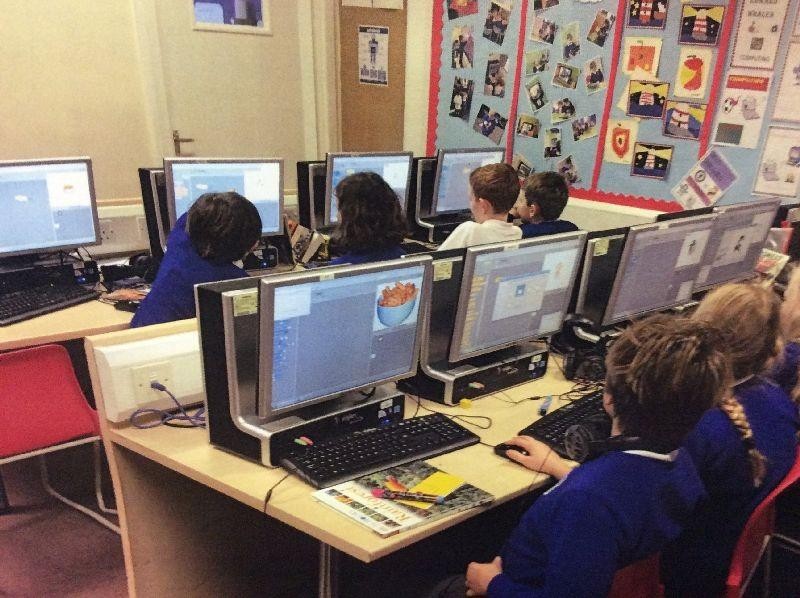
At Jessie Younghusband Primary School, we recognise that technology and the internet play an important role in children's lives. Digital technology provides many exciting opportunities for learning, creativity and communication, but it is essential that children learn how to use it safely, responsibly and respectfully.
Keeping children safe online is an important part of our safeguarding responsibilities. We are committed to helping children develop the knowledge, skills and confidence they need to navigate the online world safely, both in school and at home.
How We Teach Online Safety
Online safety is taught throughout our curriculum, including Computing, Relationships Education and PSHE. We also reinforce key messages through assemblies, awareness events and regular discussions in class.
Children are taught how to:
- Stay safe when using the internet, apps, games and social media.
- Protect their personal information and privacy.
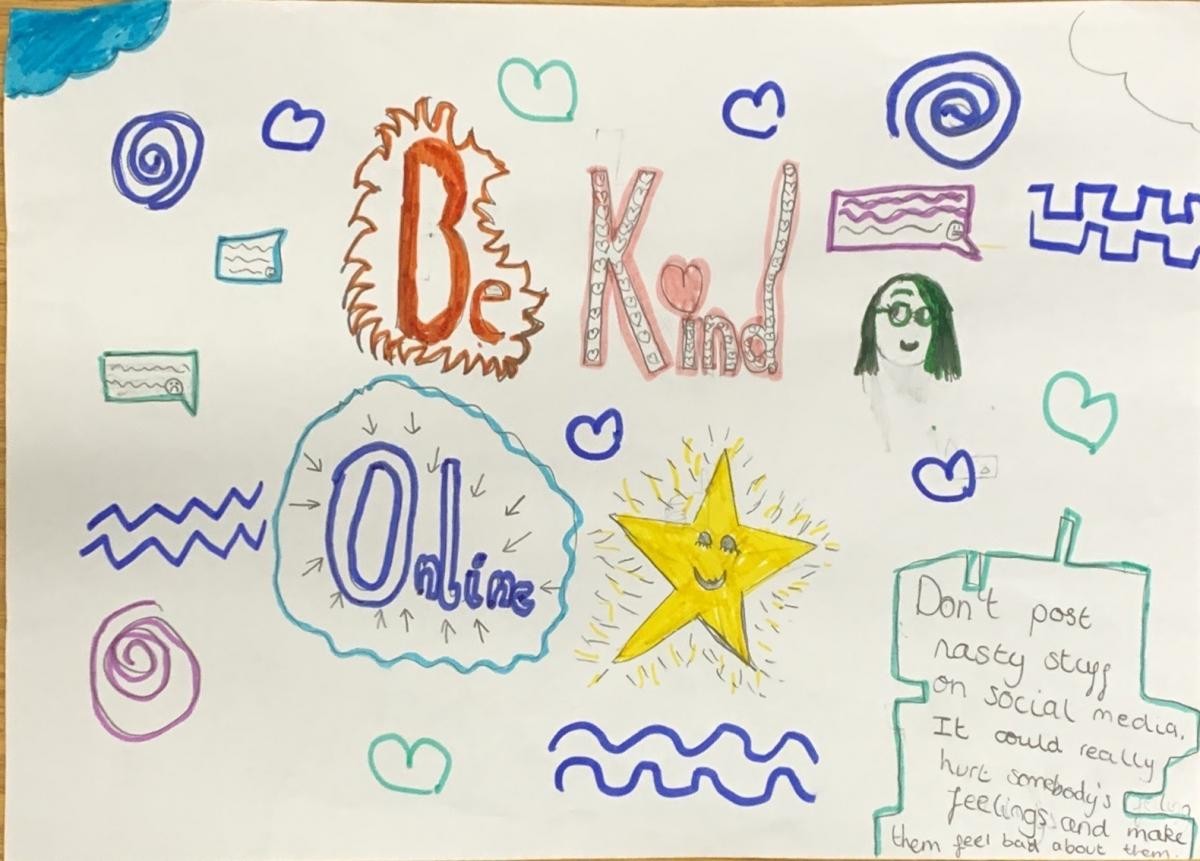
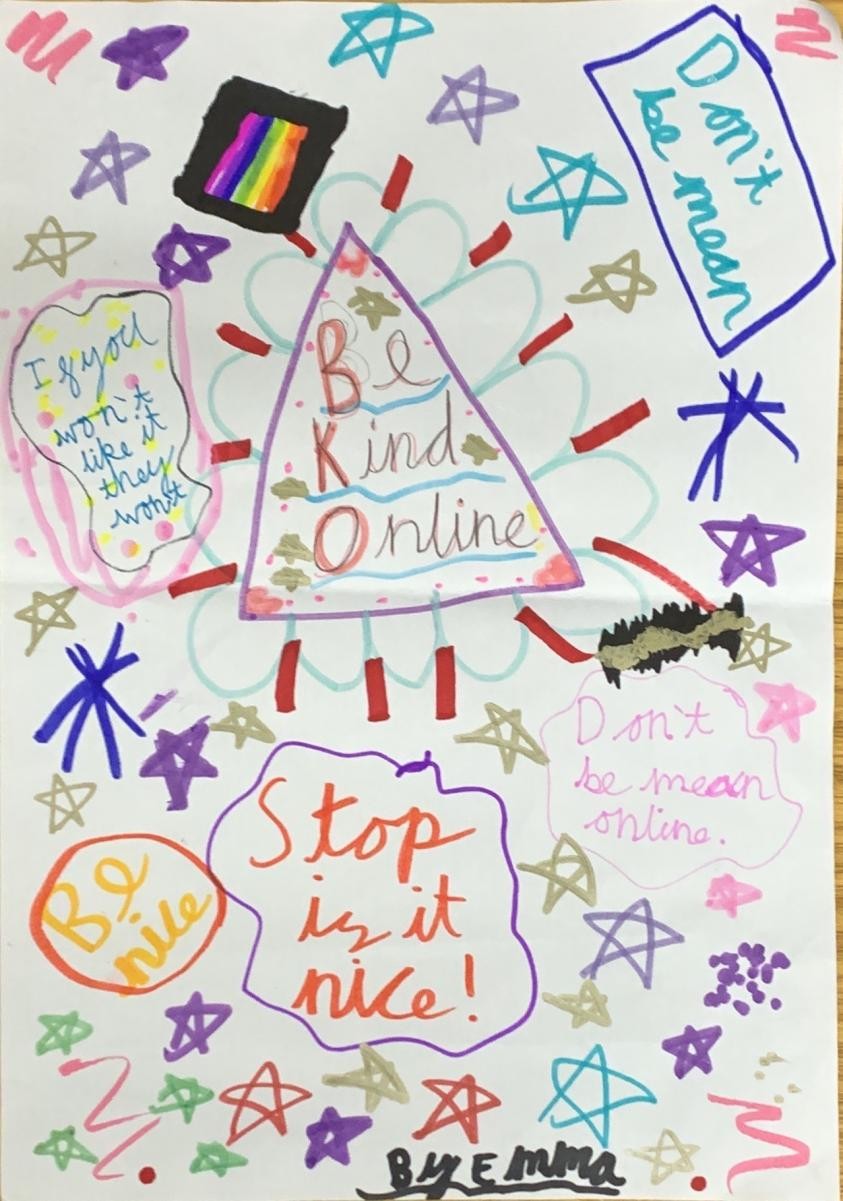
- Communicate respectfully and responsibly online.
- Recognise and report online bullying.
- Identify trustworthy information online.
- Report anything that makes them feel worried, uncomfortable or unsafe.
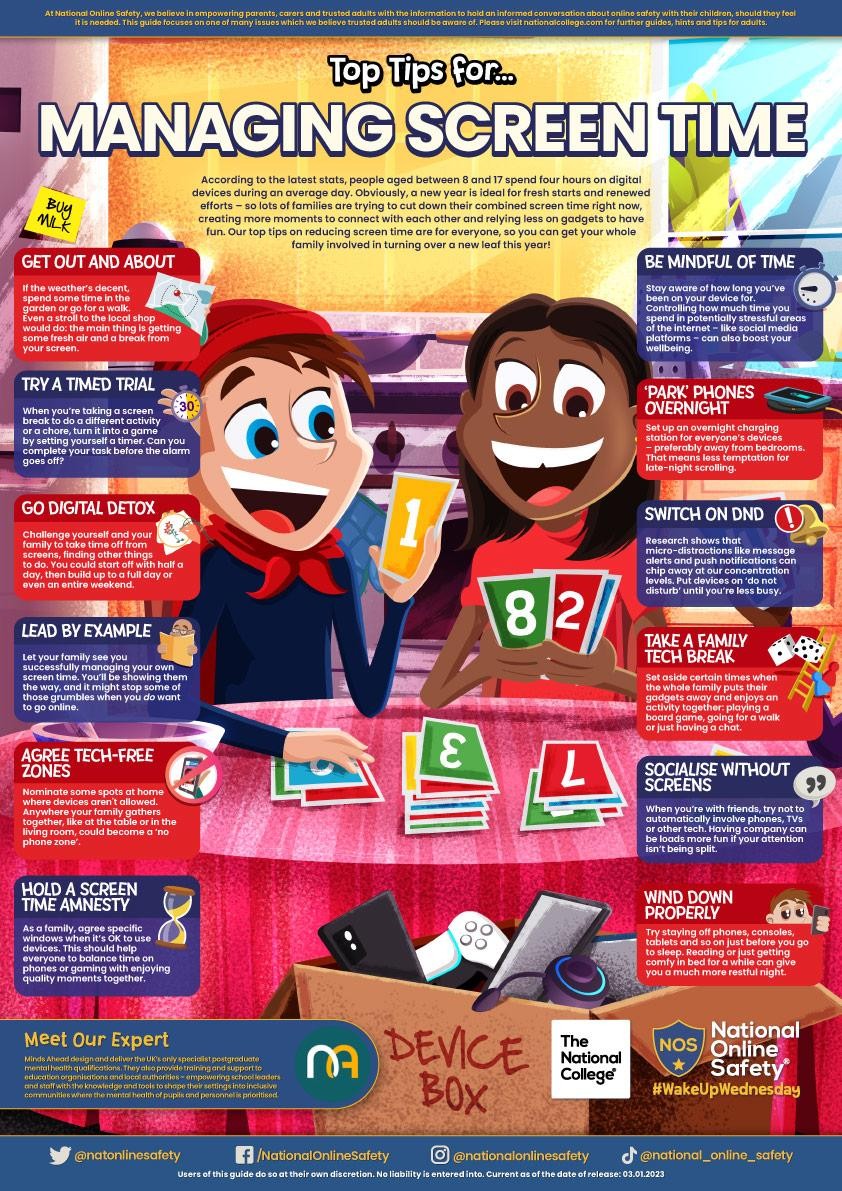
- Develop healthy and balanced habits when using technology.
Working Together with Parents
We believe that online safety is most effective when schools and families work together. We encourage parents and carers to take an active interest in their child's online activities and to have regular conversations about staying safe online.
Parents can help by:
- Knowing which apps, games and websites their child uses.
- Discussing online behaviour and digital responsibility.
- Using parental controls where appropriate.
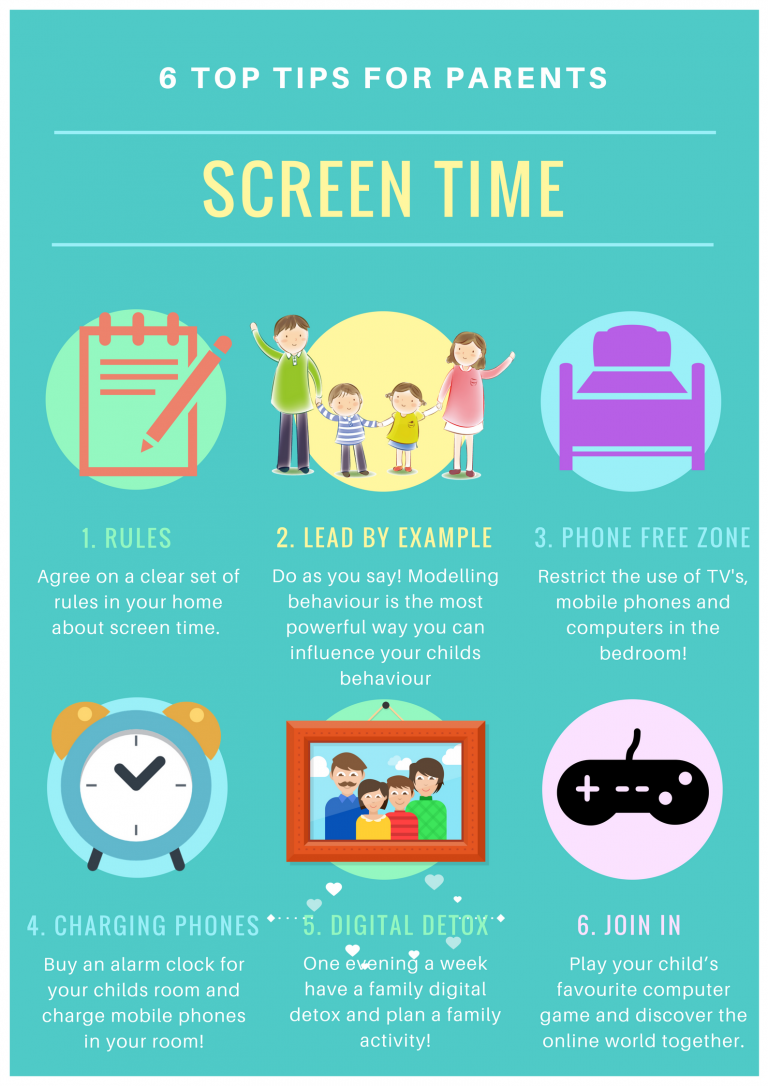
- Setting clear expectations around screen time and device use.
- Encouraging children to talk to a trusted adult if they are worried about something they have seen or experienced online.
If You Have a Concern
If your child experiences something online that causes concern, please contact the school as soon as possible. This may include online bullying, inappropriate content, unwanted contact from others or anything that is affecting your child's wellbeing.
You can contact our safeguarding team via:
Email: DSL@jys.org.uk
Telephone: 01243 782192
Any online safety concerns will be treated seriously and dealt with in accordance with our safeguarding procedures.
Useful Websites for Parents
- Thinkuknow - www.thinkuknow.co.uk
- NSPCC Online Safety - www.nspcc.org.uk/keeping-children-safe/online-safety
- Childnet - www.childnet.com
- UK Safer Internet Centre - www.saferinternet.org.uk
At Jessie Younghusband Primary School, we encourage all members of our community to demonstrate our values of Aspire, Respect and Enjoy both offline and online. We want every child to develop the confidence and skills to use technology safely, responsibly and positively.
- make sure your child knows not to share personal information like their phone number or email address online;
- only talk to real life friends or family if they are on sites with a social media element like Moshi Monsters or Club Penguin;
- use privacy settings wherever they exist to keep their information private;
- be a good online friend and don’t say nasty things, even if it’s just a joke;
- use secure and legal sites to download music and games;
- check attachments and pop ups for viruses before they click or download anything;
- use Public Friendly WiFi when they’re out and about to filter inappropriate content.